
Step-by-Step Installation
1. Install the Katyar SDK
Install the official Python SDK:2. Create an API Key from the Dashboard
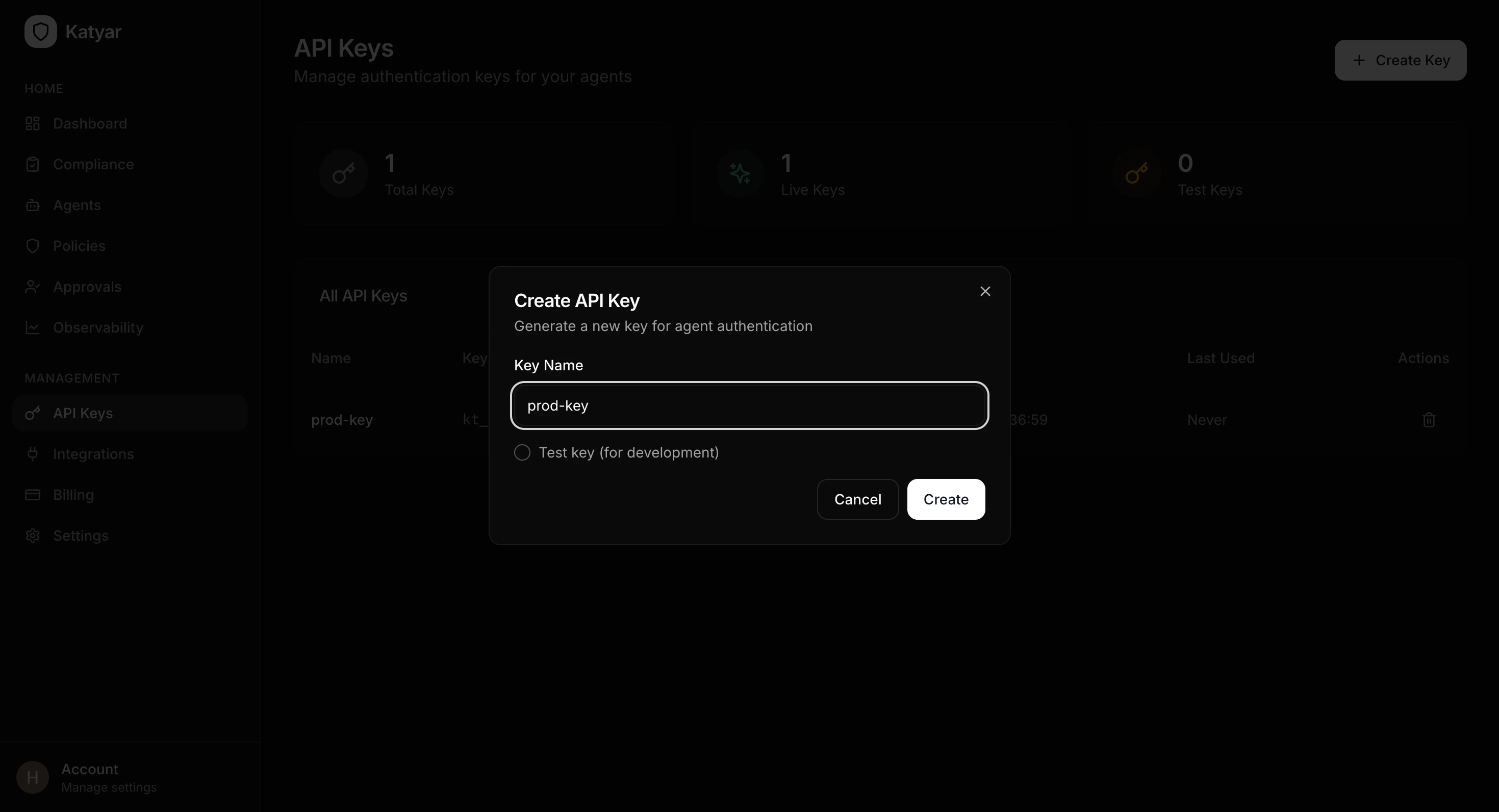
- Log in to your Katyar dashboard at https://app.katyar.ai
- Go to API Keys in the sidebar menu
- Click Create Key
- Give the key a descriptive name (e.g.
my-agent-prodordev-test) - Copy the full secret key (
kt_live_...) — it is only shown once
3. Add the API Key to Your Environment
Create or update a.env file in your project root:
- Never hardcode the key in source code
- Add
.envto.gitignore - Use environment variables in production (Docker, Kubernetes, Vercel, etc.)
4. Initialize Katyar in Your Code (One Line)
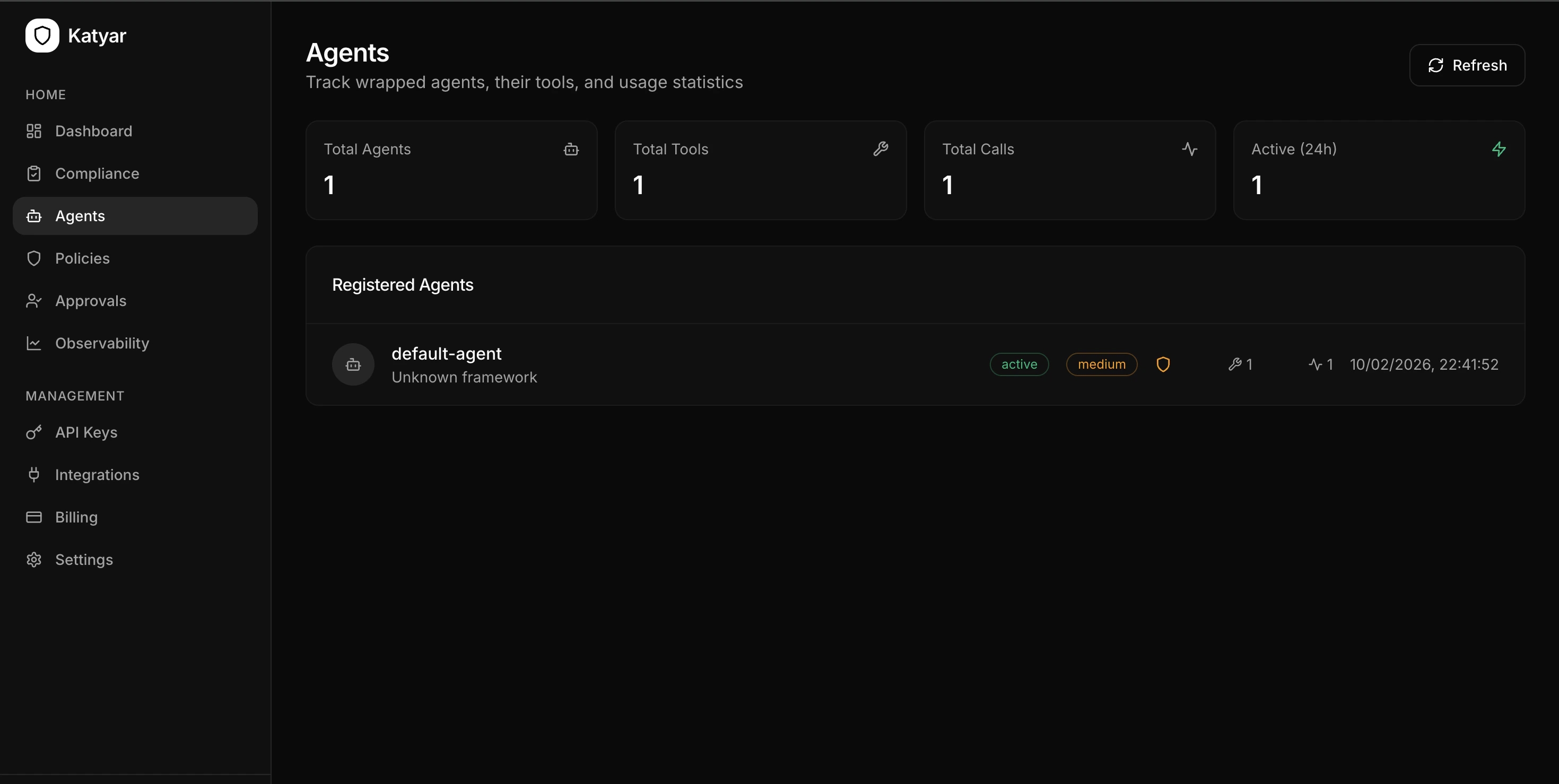
Add this at the top of your agent script:- Agent registers itself with Katyar
- 21 compliance controls are seeded
- Real-time compliance evaluation runs
- Policy gateway connection is established
- OpenAI/Groq/Anthropic clients are auto-patched for tracing
- Console shows your current compliance score
5. Secure Your Tools with the @katyar.tool Decorator
Wrap every function your agent calls:
- Policy checking before execution
- Guardrail scanning (injection, PII, secrets, toxicity)
- Tracing (latency, tokens, cost)
- Audit logging
- Blocking or HITL approval when required